
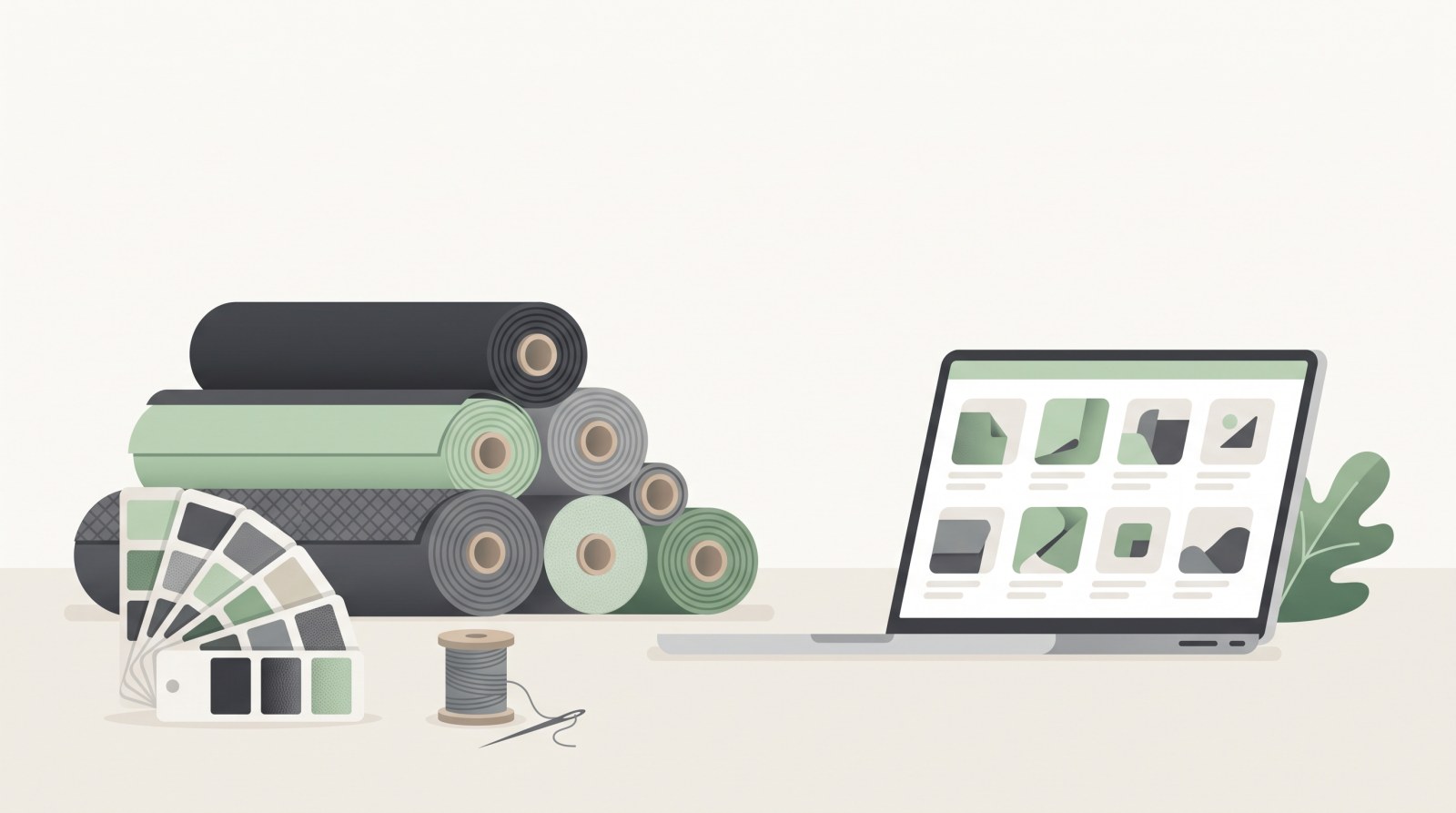
«Building a site from scratch» usually sounds frightening: layouts, programming, servers, months of work. In reality, for an online store zero no longer starts with an empty file — it starts with the question of what you sell and to whom. Here is a live example: the Kozhanostra shop for automotive fabrics and upholstery materials, which runs on Turboshop and went live in a week.
What «from scratch» means today
A few years ago building a store meant a separate project: specification, mockups, front-end, programming, testing. That path still exists and makes sense for unusual requirements, but for an ordinary shop it is excessive — 90 % of the features are identical everywhere.
Today «from scratch» means something else: you have no site, no domain and no experience, and you get a working store without touching the technical layer. It does not disappear, it simply stops being yours: hosting, domain, SSL certificate, updates, backups and support come with the subscription.
The difference is where your first week goes. In classic development, into approving mockups. With a ready platform, into products: photos, descriptions, prices, catalogue structure — the work nobody else can do for you.
Step 1. Catalogue structure is the main decision
The most important step, and it is not technical. Look at the automotive fabrics shop: the top level is organised by material type, not by supplier or alphabet.
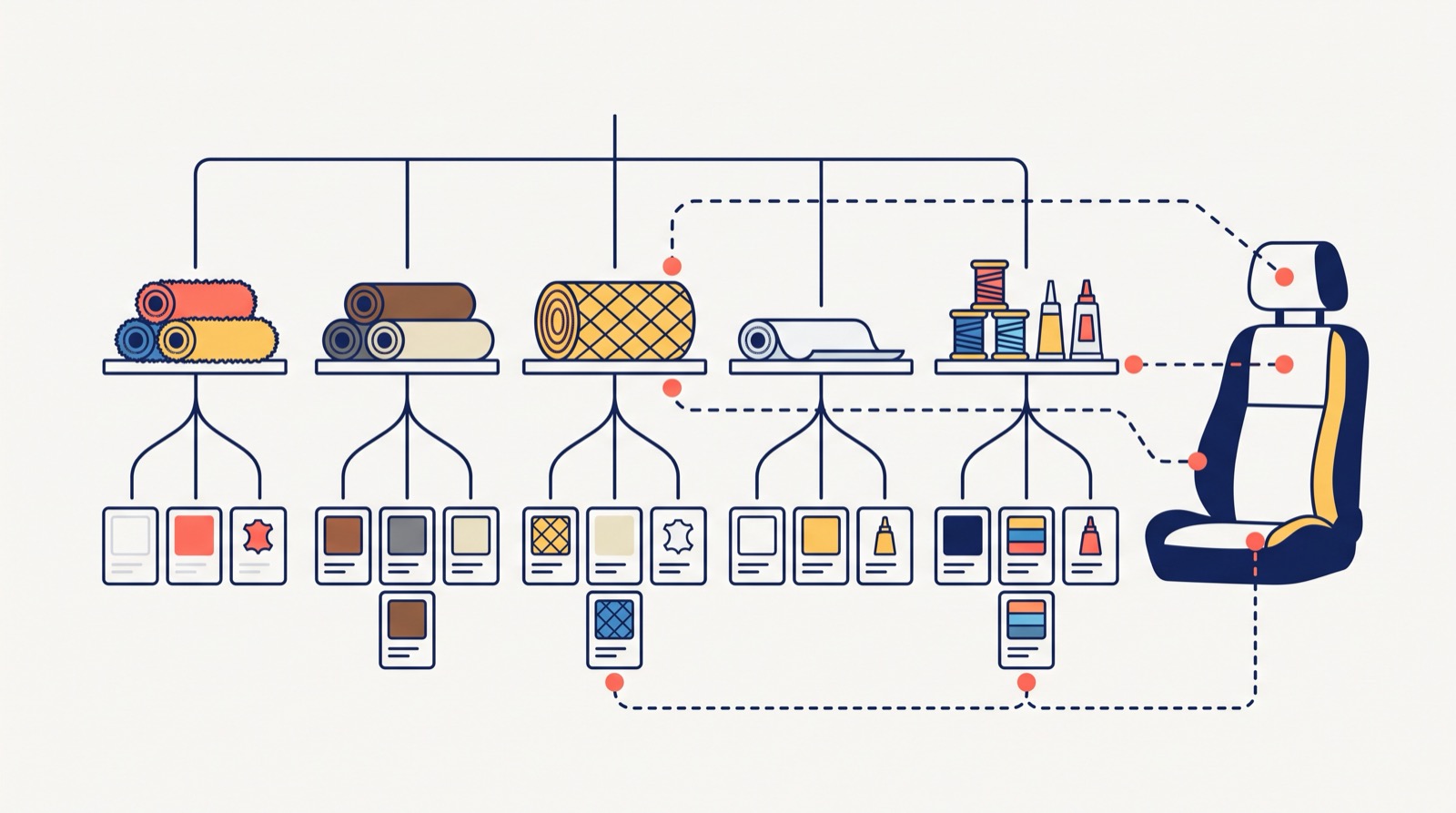
- alcantara — regular (15 items) and self-adhesive, separately;
- automotive leatherette — 109 items split by country of origin: Korea (46), Germany (32), USA;
- seat fabric — 50 items, split the way an upholsterer thinks: sides, centres, neoplan;
- headliner fabric (54), dashboard thermo-vinyl (33), quilted leatherette (22);
- marine and medical vinyl (14) — a separate category with its own requirements;
- consumables — threads, adhesives, foam, rubber materials;
- adjacent goods — seat belts (29), carpet, tent fabric, furniture materials (27).
This is a structure built for the buyer. An upholsterer thinks in terms of «what do I need for the sides» and «what to line the roof with» — and that is exactly how the sections are named. Organised by supplier, the same catalogue would be three times harder to navigate.
A practical rule: name sections in the buyer's words, not the price list's. Two levels of nesting are almost always enough.
Step 2. Products and product pages
Next come photos, names, prices and short descriptions. For materials one more thing matters — honest texture in the photo: people choose colour and grain, and a gap between image and reality turns into returns.
If there are hundreds of items already kept in a spreadsheet or an accounting system, there is no need to retype them: products can be imported, and accounting connected through the open API. That is part of the platform features, not separate development.
Step 3. The storefront
The design is not drawn from scratch. You pick a ready store design, set colours, logo and the main banner, and the storefront is done. The mobile version is not a separate project — the template works on phones by design.
What deserves time is the first screen. Kozhanostra uses a large banner with one message («materials for professionals») and popular sections right below. Within seconds the visitor knows they are in the right place and enters the catalogue.
Step 4. Payments and delivery
Nothing to program: online cards, instalments from monobank and PrivatBank, Nova Poshta and Ukrposhta are switched on in the settings. This is the most common reason a do-it-yourself build drags on for months — in custom development each integration is a separate task with its own deadline.
Step 5. Launch and after
Once the catalogue is filled, only details remain: the domain, the About, Delivery and Contacts pages. Then the store can open — and you keep adding items, running promotions and pushing products to marketplaces while it already works.
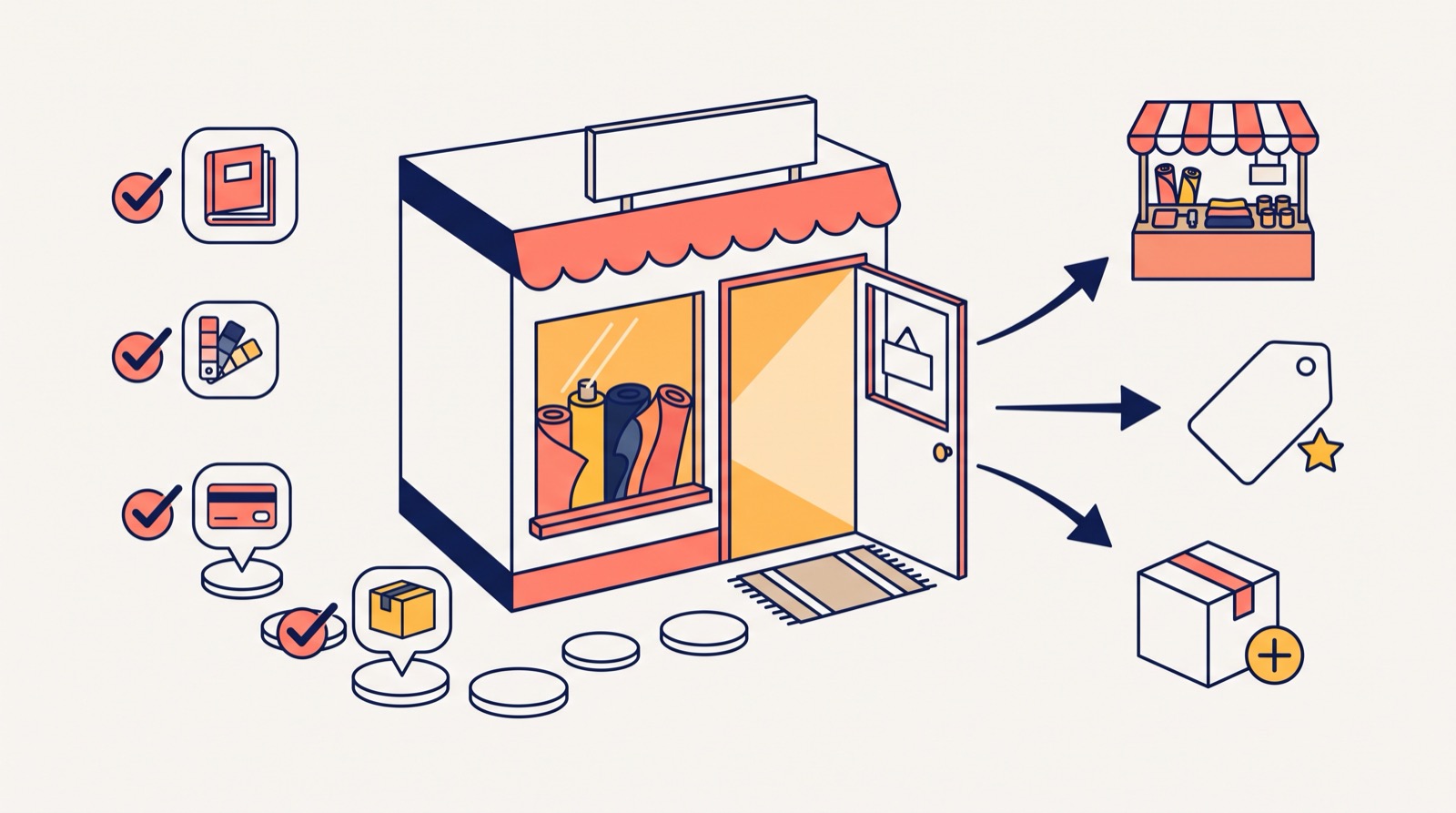
That is why a week is realistic. It comes not from magic but from the fact that every repeatable decision has already been made: the design is chosen, features are switched on, integrations already exist.
What it costs
Doing it yourself, the budget adds up from development, hosting, domain, certificate, ongoing support and changes. On a subscription it is a single payment; current plans are on the pricing page. Worth noting: the platform takes no commission on sales, so growing turnover does not raise the cost.
Common mistakes at the start
- Waiting for a perfect catalogue. A working shop with 30 items beats an unopened one with 300.
- Copying a competitor's structure. They have a different range and a different buyer — you copy the form without the substance.
- Saving on photos. For materials, clothing and decor, the photo is the product.
- Postponing payments. A store without online payment loses orders immediately.
What to prepare for day one
More often than not it is missing material, not the platform, that slows a launch down. Gather in advance:
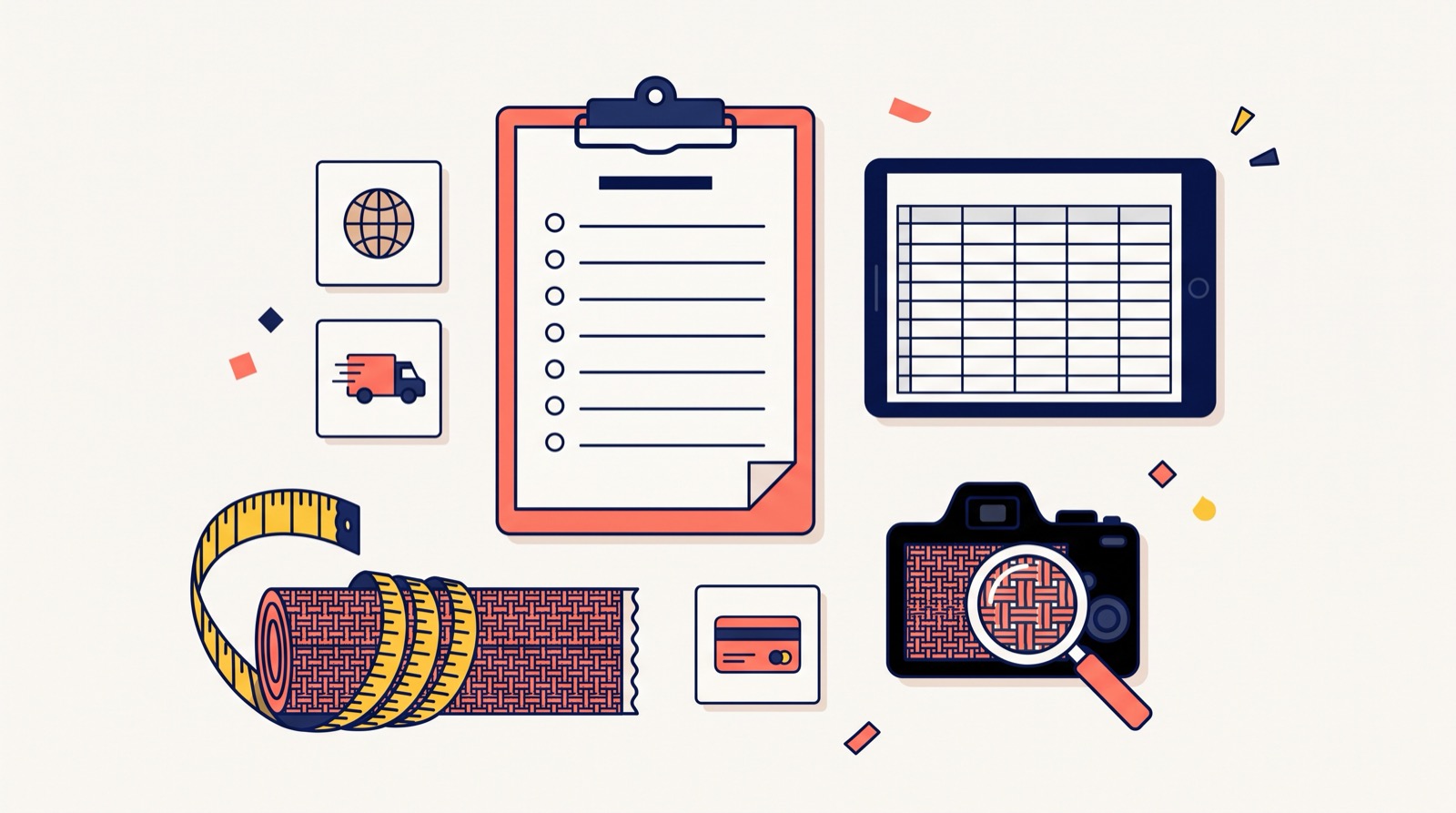
- a product list with prices — a spreadsheet is enough, with SKUs and units (for materials this matters: metre, roll, set);
- photos — for fabrics and materials a close-up of the texture is essential;
- a name and a domain — check the domain is free before any work starts;
- company copy — who you are, how long you have traded, where the goods can be seen in person;
- delivery and payment terms — short but specific.
This list answers 90 % of the questions that come up while filling the store, and it decides whether the launch takes a week or a month.
If you are only planning to open an online store, and a ready template is not enough, see how we handle turnkey online store development.
Where to start
The most useful thing is to look at a live store as a buyer. Open the Kozhanostra automotive fabrics shop, find a material, open the product page, add it to the cart. Your store will look much the same — the difference will be the products, the name and the colours.
Then look at the ready solution for a car parts store if the niche is close, or at turnkey store development if you need something custom. You can begin with a free store to see the admin panel from the inside before making any budget decisions.